System Architecture & Global Configuration
The ABCD OPAC is controlled by a hierarchy of configuration files. While advanced users can edit these files directly, the system provides a robust Graphic Interface (GUI) to manage global parameters, visual identity, and system cache.
1. Global Parameters (GUI)
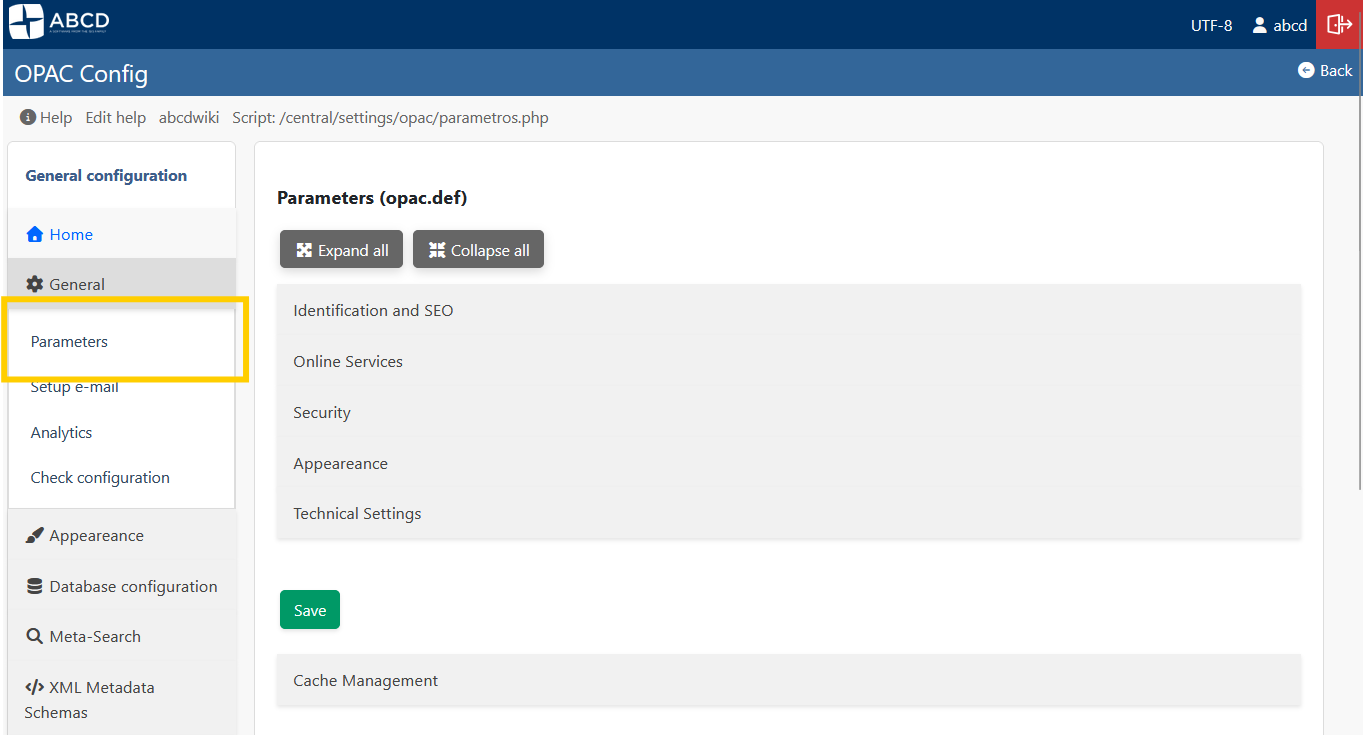
Access: General > Parameters (parametros.php)
This interface is the primary way to configure the behavior and look of your portal. It saves changes directly to the opac.def file without requiring manual text editing.
Visual Identity
-
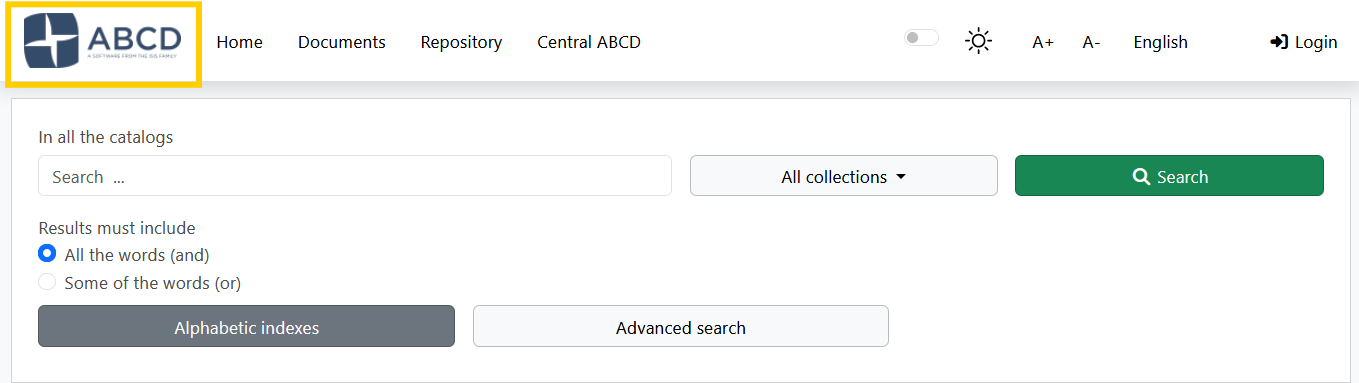
Logo: You can upload an image file (PNG, JPG) directly through the interface to replace the site logo.
-
Favicon (ShortIcon): Upload the small icon displayed in the browser tab.

-
Styles (CSS): Select the color scheme (e.g.,
styles.css,dark.css) from the dropdown menu.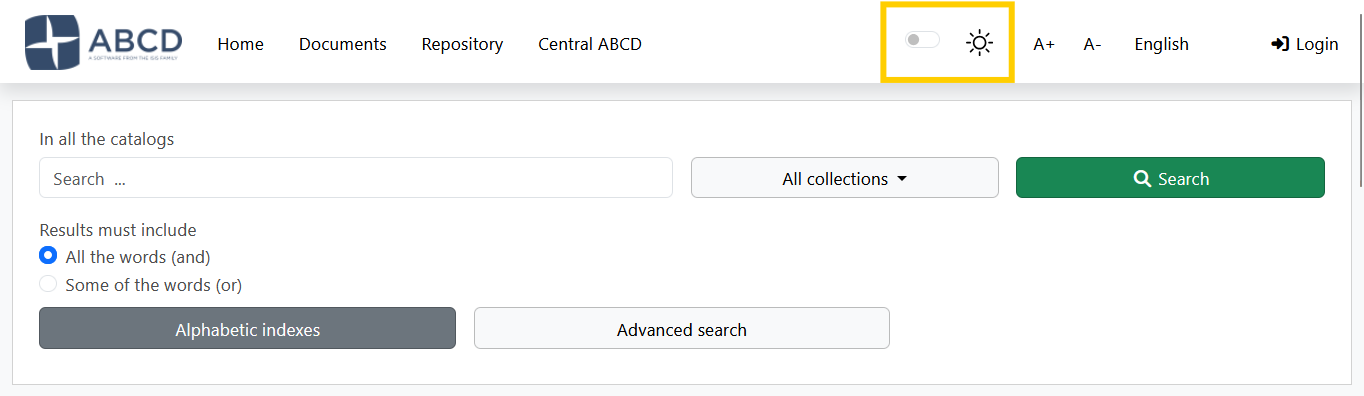
-
Link Logo: Define the URL where users are redirected when clicking the logo (usually the library homepage).
Content & Text
- Page Title: The text displayed in the browser's title bar (e.g., "Central Library Catalog").
- Footer Text: A short text line for copyright or contact info appearing at the bottom of every page.
Security & Technical
- CAPTCHA: Enable Google reCAPTCHA integration to protect forms against bots.
- Charset: Select the character encoding (UTF-8 or ISO-8859-1).
- Note: This must match your database encoding to avoid character display errors (like
ã).
- Note: This must match your database encoding to avoid character display errors (like
2. Cache Management
Access: Global Parameters > Cache Management (Bottom of the page)
To improve performance, the OPAC caches search results, facet calculations, and configuration arrays in the opac/cache/ directory.
When to Clear Cache?
You should click the "Clean Cache" button if:
- You made changes to
opac.deforbases.datthat are not appearing. - You updated a PFT format, but records still show the old layout.
- The OPAC seems "stuck" on old search results.

- Action: The system deletes temporary files (
*.cacheand temp text files) ensuring that the next user request generates fresh data.
3. The Backend: config_opac.php & opac.def
Although the GUI handles most daily tasks, understanding the underlying files is crucial for troubleshooting and advanced architecture.
The Bootloader: config_opac.php
Located in the root of the OPAC, this script initializes the environment.
$db_path: The absolute path to thebasesfolder.$lang: The priority logic for language detection.$restricted_opac: Defines if the portal requires login (Y) to view the home page.
The Configuration File: opac.def
The GUI described above writes to this INI file located in bases/opac_conf/opac.def.
Example Content:
[OPAC]
OpacHttp=http://localhost:9090/opac/
Logo=logoabcd.png
link_logo=[http://my-library.org](http://my-library.org)
TituloPagina=My Library Catalog
footer_text=© 2024 Library Systems
styles=styles.css
captcha=Y
The parameter OpacHttp is critical. It must match your server's public URL exactly. If images break or AJAX searches fail, check this value in the file manually.
4. The opac_conf Directory Structure
The bases/opac_conf/ folder contains the "Global Configuration" assets that apply to all databases.
bases.dat: The master list of databases available in the OPAC.lang.tab: Maps language codes (en, es, pt) to human-readable names.formatos.dat: Defines the output options (ISO, Word, Print) available in the toolbar.record_toolbar.tab: Controls which icons appear above records (Print, Reserve, etc.).