PDF Viewer (PDF.js)
ABCD includes an integrated PDF viewer based on the PDF.js library. This component allows users to read documents directly within the browser (OPAC) without needing external plugins (like Adobe Reader) and without forcing an immediate download of the file.
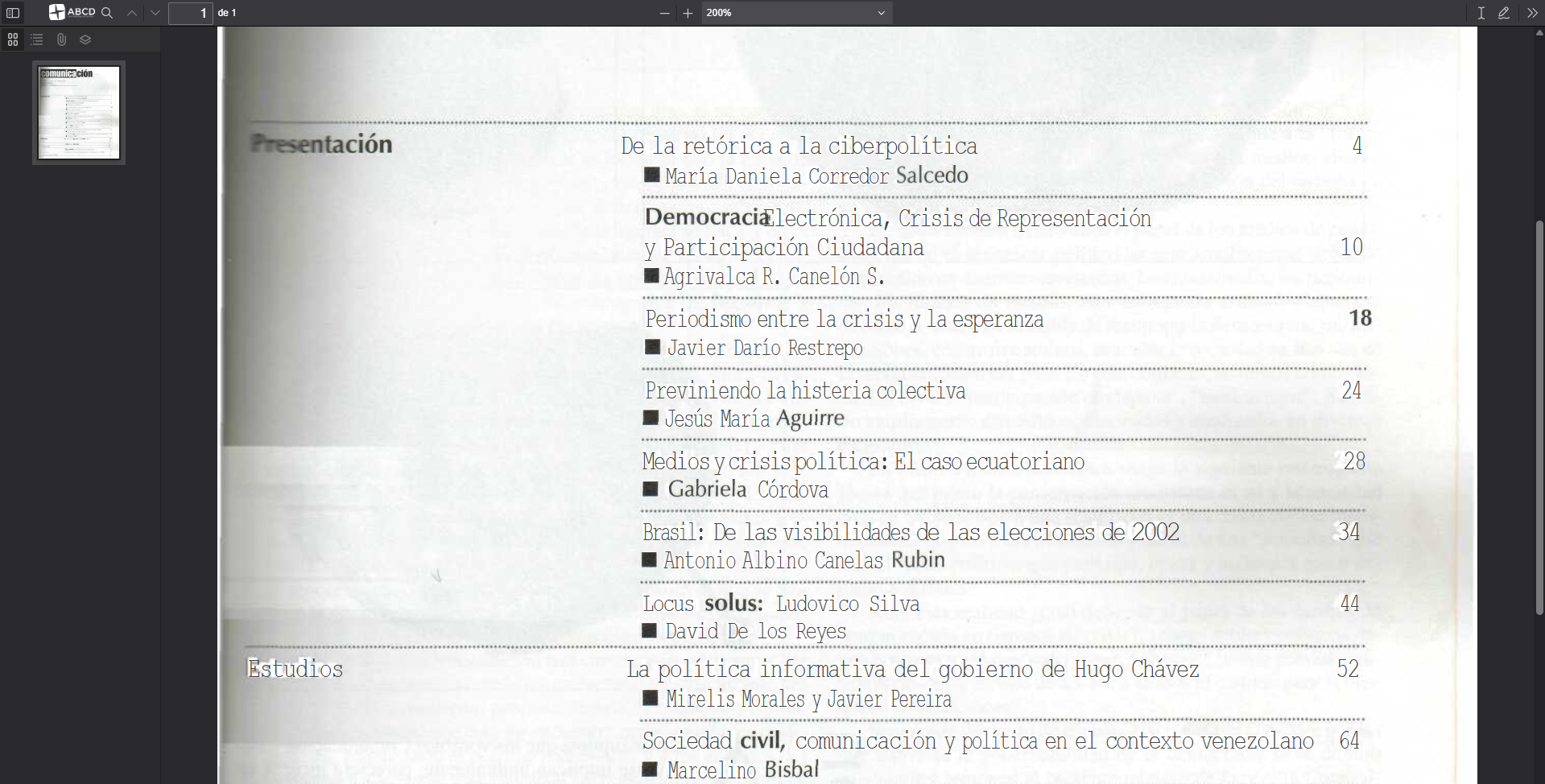
Overview
The viewer is located at: opac/viewer/index.php.
Unlike the Image Viewer (show_image.php), which processes files on the server-side, the PDF Viewer works primarily on the client-side (in the user's browser).
:::info Technical Note
Because this viewer runs in the browser using JavaScript, it ignores the ROOT parameter defined in dr_path.def.
The viewer requests the document via a standard HTTP request. Therefore, the file path provided must be web-accessible (a valid URL relative to the ABCD installation).
:::
Usage in PFT
To link a bibliographic record to its digital document, you usually store the relative path in a field (e.g., v856). You can then create a link in your display format (PFT) that opens the viewer.
Syntax
The viewer accepts the pdffile parameter (or file in standard PDF.js builds) to specify the document to load.
URL Structure:
/opac/viewer/index.php?pdffile=[REL_PATH_TO_PDF]&base=[DB_NAME]
Example PFT
Assuming field v856 contains the path collection/text/report_2024.pdf:
/* Link to open PDF Viewer */
(if p(v856) then
    '<a href="/opac/viewer/index.php?pdffile='v856'&base=biblo" target="_blank" class="btn btn-outline-primary">'
        '<i class="fas fa-file-pdf"></i> View Document'
    '</a>'
fi)
Configuration & Behavior
Path Resolution
Since the viewer "ignores" the server-side ROOT configuration, the path stored in your database must be relative to the OPAC's web root or the viewer's execution context.
- Correct:
collection/docs/file.pdf(If thecollectionfolder is inside the web root). - Incorrect:
c:/abcd/bases/collection/file.pdf(Local server paths are not accessible by the browser).
Security vs. Usability
The PDF.js viewer provides a seamless reading experience ("Streaming" the PDF).
- Download Button: The default interface includes a download button.
- Direct Access: Even if you hide the download button via CSS, knowledgeable users can still download the file because the browser must download the PDF data to render it.
Third-Party Library: PDF.js
This viewer is built upon PDF.js, a general-purpose, web-standards-based platform for parsing and rendering PDFs. It is an open-source project maintained by the Mozilla community.
If you need to customize the viewer's toolbar, icons, or rendering behavior, you are essentially modifying the PDF.js default viewer.
References & Resources
- Official Repository: Mozilla PDF.js on GitHub
- Project Website: mozilla.github.io/pdf.js
- License: Apache License 2.0
- Capabilities:
- Renders PDF content to HTML5 Canvas.
- Supports text selection and search within the document.
- Supports sidebar navigation (chapters/outlines).
- Responsive design for mobile and desktop.
:::tip Customization
The interface files for the viewer are located in opac/viewer/. The main logic resides in viewer.js, and the styling is in viewer.css. Any changes to these files should be carefully tested against official PDF.js updates.
:::